
Cureum: The Right Resources, Right Where You Need Them
Our Cureum Gallery highlights diverse configuration possibilities, illustrating how schools and districts can leverage a single, accessible platform for all curriculum needs, delivered precisely when and where it's most useful.
Explore Cureum
Get inspired! These images showcase just a few ways Cureum can be utilized. For a deeper dive, click on any image to explore our partners' websites, where you'll find fantastic resources readily available.
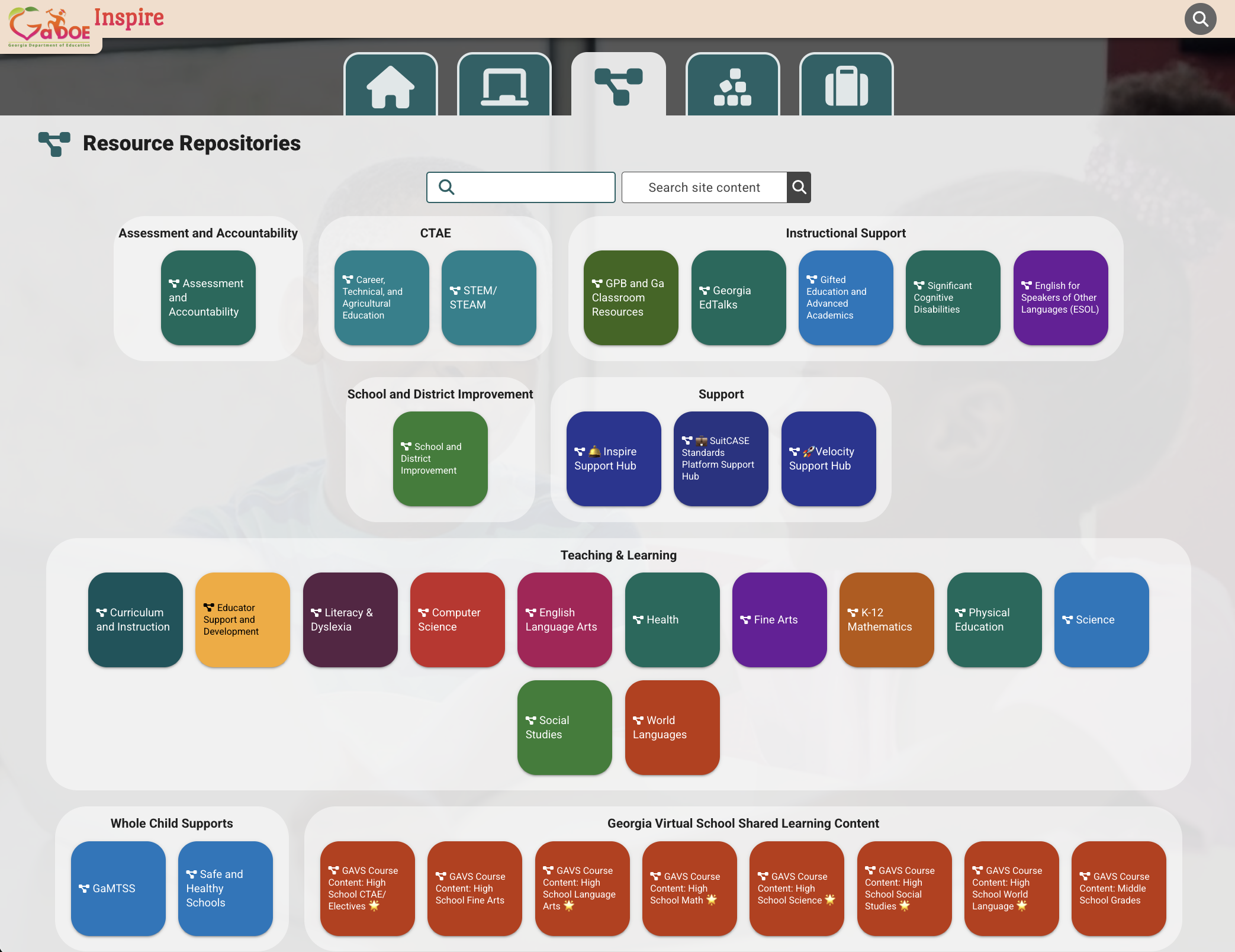
GADOE (INSPIRE) Resource Repositories and Courses are the go-to collections for course related content, cross-curricular skills, instructional practices, and professional learning hot topics. Click on the image above to visit the Georgia Department of Education's Cureum instance. Start with their GAVS student facing activities for all courses & subjects.
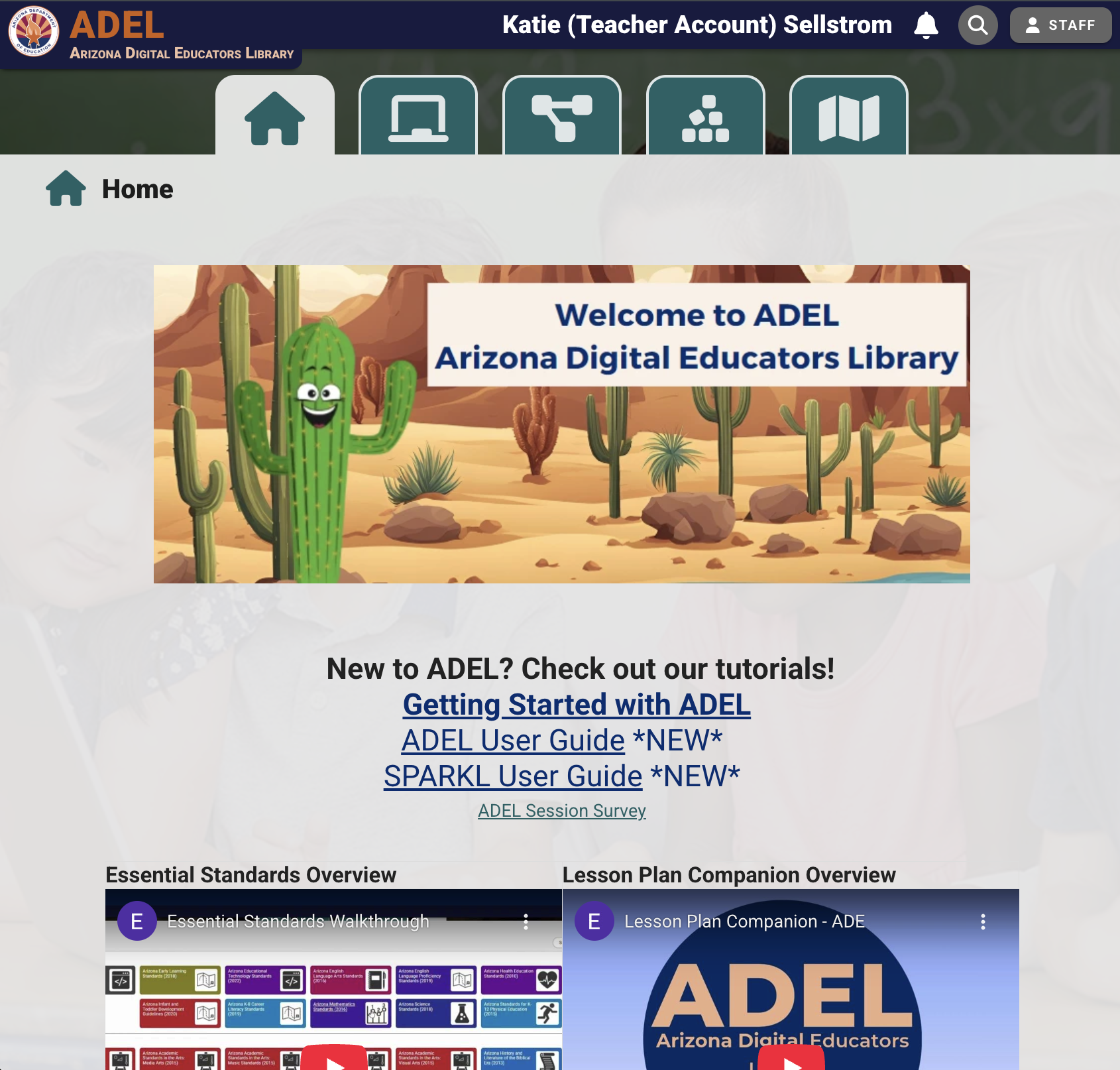
ARIZONA DIGITAL EDUCATORS LIBRARY (ADEL) is a grassroots project to curate high quality content aligned to standards from across the state. Create an account to view their Getting Started resources, introductory videos, and find out how standards act as the backbone for their AI-boosted lesson plan companion (available for free in Cureum).
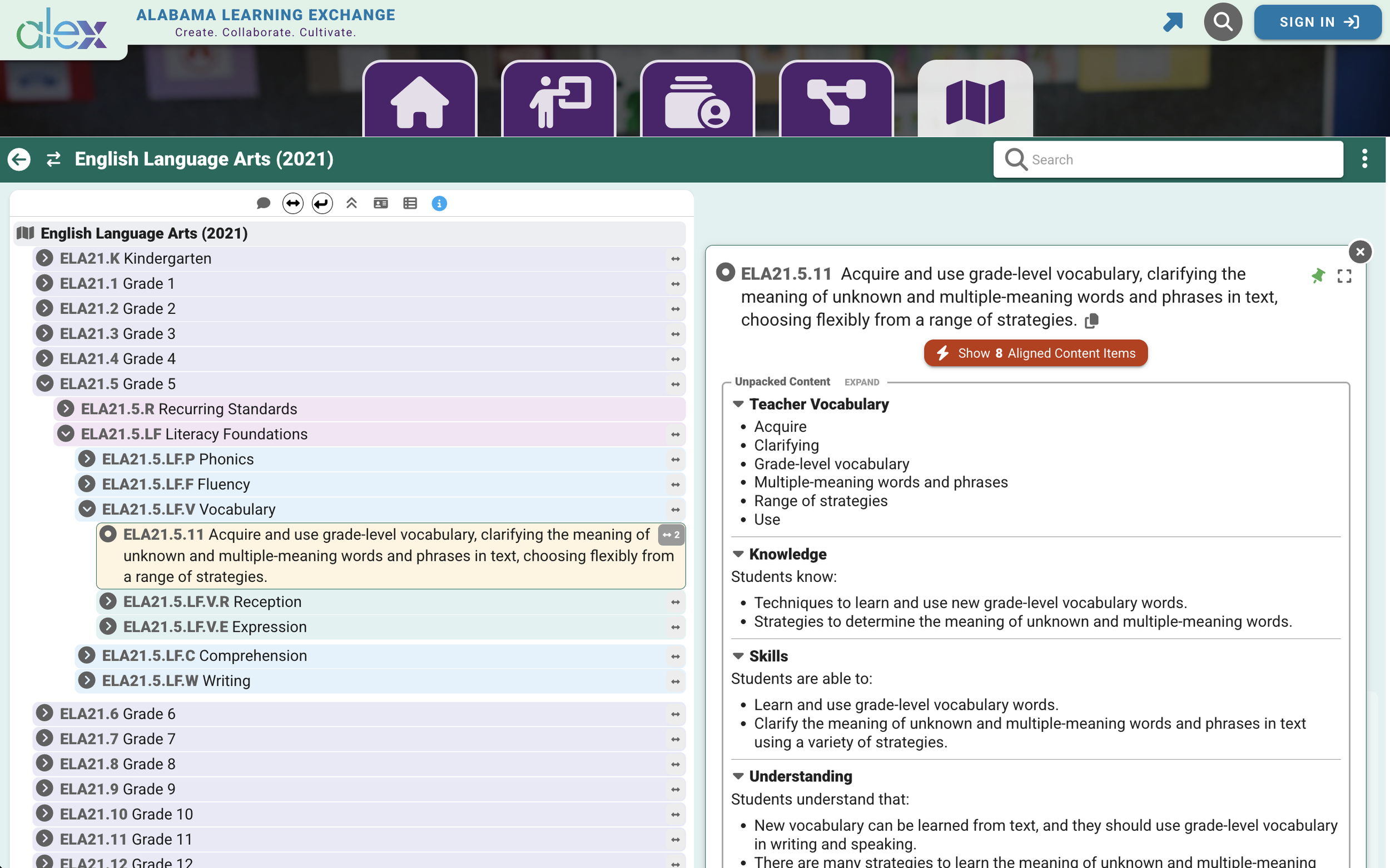
ALABAMA LEARNING EXCHANGE (ALEX) is all about their standards! Find teaching and learning content - videos, PDFs, slides, docs, website links, lesson plans, and even student activities that you can remix or use right away. Click on the image above to explore ALEX, the Alabama Department of Education's version of Cureum. Create an account for free.
With Cureum, You’re in Control
Explore theses images from our partners to get a glimpse into the diverse ways Cureum can get the right resource, into the right hands, at the right moment.
Tailor Cureum's accessibility to your state’s or district’s needs. Whether it’s making content openly accessible to everyone, securely restricted to authorized users, or a hybrid approach with controlled access, Cureum provides the flexibility to meet your privacy and sharing preferences.
If you're interested in learning more about specific examples, please reach out to us directly!

Why not keep the professional learning content with the teaching and learning resources? Share and track completion of staff professional development - all in one platform!

Arrange content as a Curriculum Map or Learning Progression with units of study or remove the element of time and curate by domain, cluster, strand, and skill.
Explore the AI-Powered Lesson Plan Companion!
Cureum users can access AI features when creating Lesson Plans with our Lesson Plan Companion! Many features are customizable based on district or state needs!
Cureum + Sparkl = A Winning Combination!
Take a look at how Sparkl users can easily create student activities with the power of AI! Sparkl integrates seamlessly into Cureum for easy creation and linking to lesson plans!